Grok Imagine for video clips
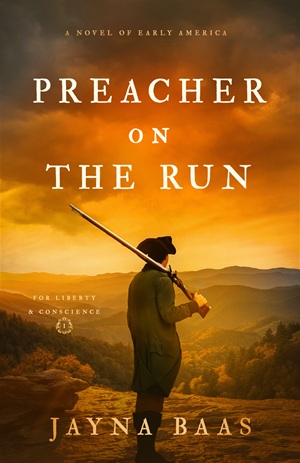
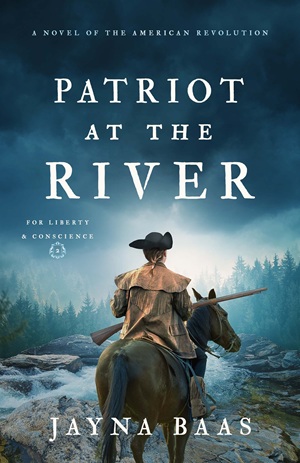
I know many of our AI power users are way out ahead of me here, but this is so cool I had to share it. I have a free Grok account and have been playing with the Imagine feature to turn photos into 6-second videos for the background of a trailer-style video I’m putting together. Today I tried uploading my new book covers (no text) to see what would happen. Here are the results:
Book one:
Book two:
As a historical fiction author, I’m also finding this extremely helpful for historical reenactment clips. It’s nearly impossible to find stock footage of certain historical settings that are licensed for commercial use, but I can either upload a stock photo or use Imagine to generate a still shot of the scene I want, then turn it into a video using Imagine. Grok’s terms state that all outputs are free for commercial use. See these examples:
It does take a few tries and some nudging via prompts, and the background music Grok adds is usually atrocious, but I typically mute the sound anyway because my video compilations have their own background music.
Just wanted to share how easy this is (and free in Grok) for other authors who might not have experimented with this yet.