Using Grok for handwritten text
I’ve always been a longhand drafter and prefer to stay that way, but that choice has meant looking for other ways to increase my efficiency outside of the actual writing process. One of the least efficient things is the transcription step, which has involved either typing up the handwritten draft (I get some basic edits in this way, but it’s so time-consuming) or reading the draft aloud to dictation software and cleaning it up with Thomas’s Chapterizer tool (much faster, but still takes time and usually requires more editing).
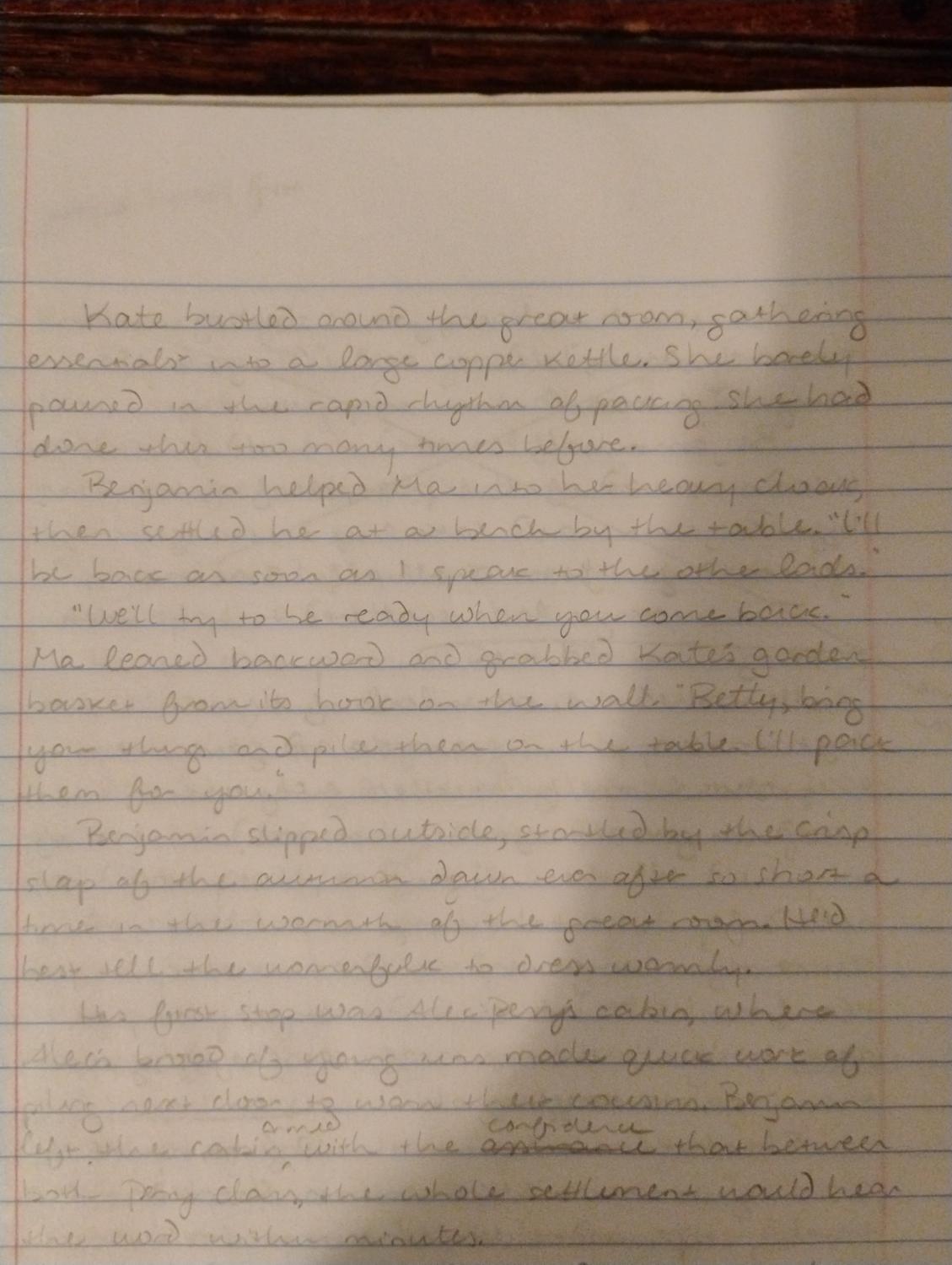
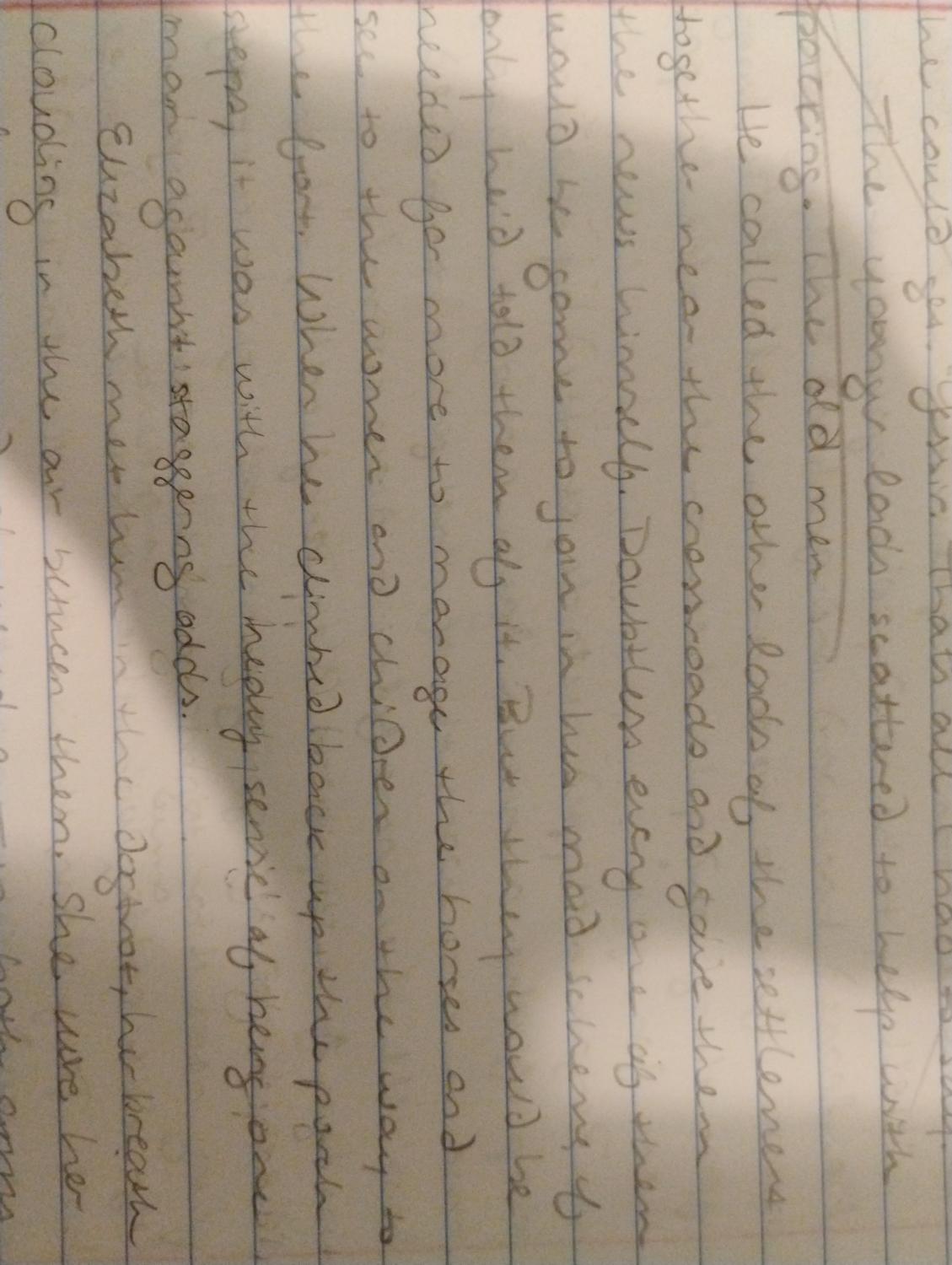
So I was thrilled today to discover that if I take a photo of my handwritten pages, Grok can transcribe them into surprisingly accurate typed text in a matter of minutes, sometimes seconds. Lest you think I have particularly tidy handwriting, here’s a sample of what I gave Grok to work with (I didn’t even bother to rotate the second page):
In addition to transcribing the text, Grok will give me an accurate word count if I ask for it, something that’s extremely helpful when I’m trying to hit word-count goals and don’t want to spend time manually counting each word.
After transcription, it’s a simple copy/paste into my book document. Grok uses straight apostrophes and quotation marks instead of smart/curly ones and occasionally inserts an extra paragraph space between paragraphs, but those are both easily fixed along with any minor mistakes in transcription. I’m sure others have been using AI to transcribe handwritten notes for months now (or just don’t handwrite at all), but I’m just thrilled to have made the discovery, especially with the Author Arsenal Writing Challenge just a few days away!